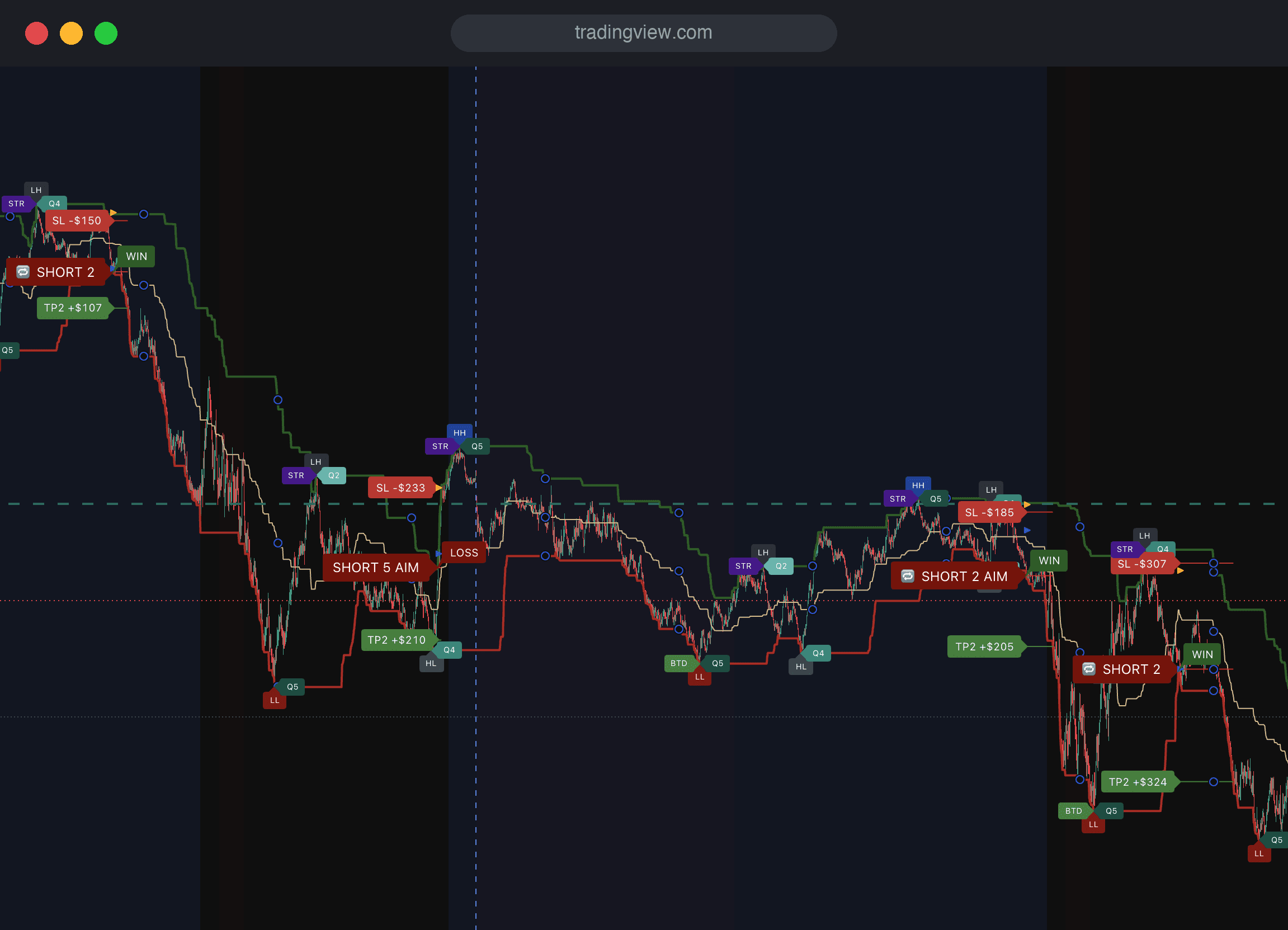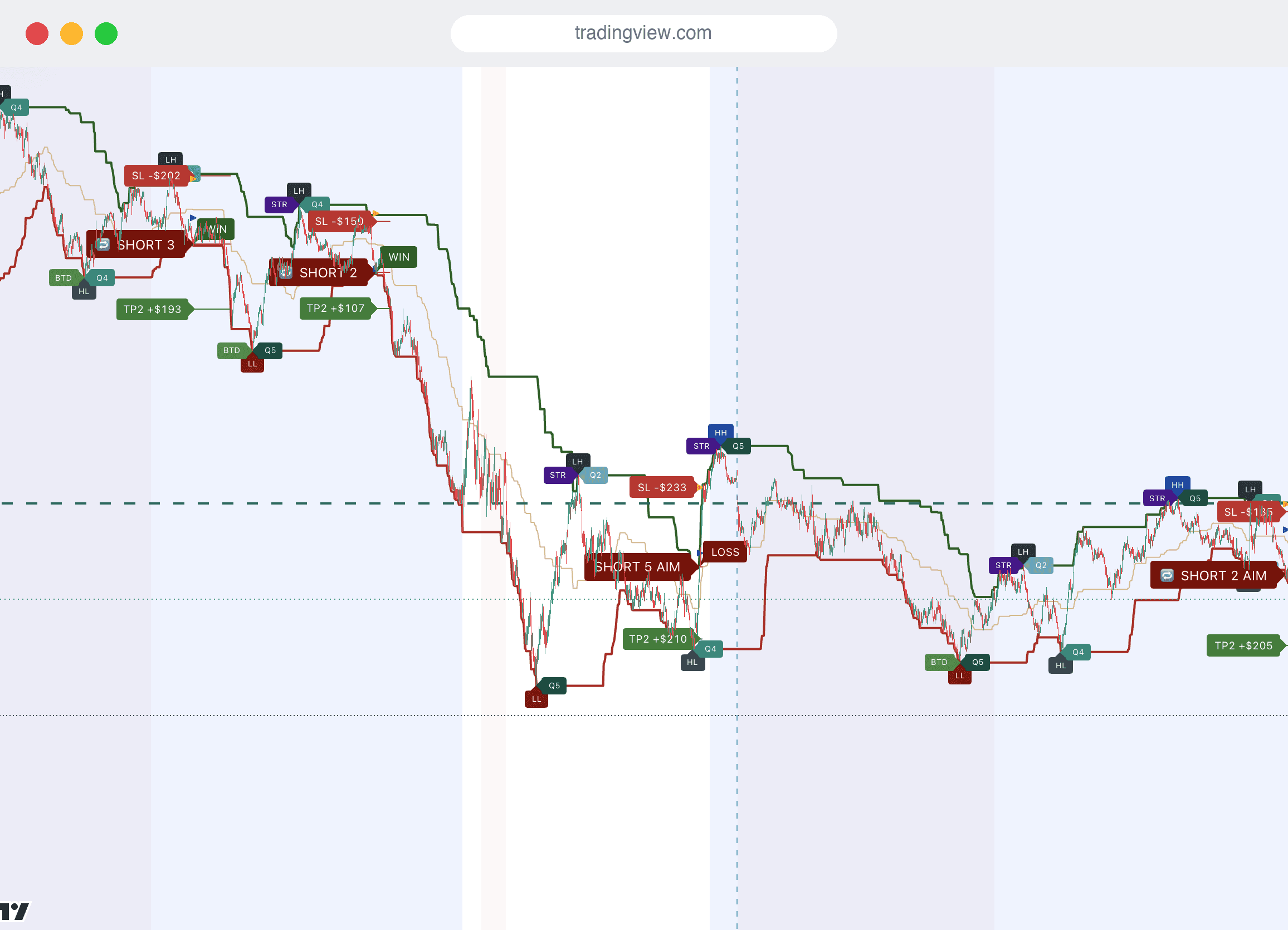

Setup guide. Add SulamX Pro to TradingView in three short steps.
Start your free trial without a card, share your TradingView username, and wait for our activation email. Then add the Nasdaq and Gold indicators to their matching charts.
TradingView
The only platform SulamX Pro runs on. Desktop app, web and mobile — same chart, same marks.
Invite-only access
Delivered through TradingView’s official invite-only scripts system, tied to your username.
Alerts, your way
One TradingView alert covers every event — phone push, email, pop-up or sound.
Nasdaq + Micro Gold
Use MNQ / NQ for Nasdaq and MGC for Gold, with the matching indicator on a 1-minute chart.
Trading-hours filter
Restricted windows are shaded on your chart, never hidden — and you can switch the filter off.
Secure checkout
Payments are processed by our payment provider. Manage your subscription and submit a cancellation request in your SulamX account. For billing or invoice assistance, contact info@sulamx.com.
Nasdaq-100 and Micro Gold are available now on 1-minute charts. Gold is currently included with your subscription as a limited-time bonus at no extra charge. Other contracts below remain on the roadmap.
MNQ
Nasdaq-100
Live now

MES
S&P 500
Roadmap

MYM
Dow 30
Roadmap

M2K
Russell 2000
Roadmap

MGC
Gold
Available · bonus included

MCL
Crude Oil WTI
Roadmap
MBT
Bitcoin
Roadmap

M6E
Euro FX
Roadmap
Trade straight from the chart.
TradingView connects to more than 100 brokers. Once your account is linked, the Trading Panel sits under the same chart SulamX Pro draws on — so a setup you can see is a setup you can act on without switching windows. These brokers support CME futures.

Interactive Brokers
Publicly traded, SEC- and CFTC-regulated brokerage covering 150+ global markets, with clients in over 200 countries.

NinjaTrader
Futures-only brokerage operating since 2001, CFTC/NFA regulated, offering micro and standard CME contracts.

Tradovate
Futures-focused broker offering micro, standard and nano contracts across CME Group, ICE Futures Europe and Eurex.

AMP Futures
Chicago futures brokerage with access to CME, EUREX, ICE, CBOE, JPX, SGX and HKEX — CME Micros included.

TradeStation
US broker-dealer (SEC, FINRA/SIPC) and CFTC/NFA-registered futures commission merchant.


Ironbeam
Chicago-based futures broker with a free cloud platform plus TradingView, CQG and Rithmic connectivity.

EdgeClear
Futures-focused brokerage with a Chicago office, connecting to TradingView via CQG for order routing.

Dorman Trading
Family-operated futures commission merchant founded in 1956 and a clearing member of CME Group and ICE.

Paper Trading
TradingView’s own simulated broker. Free on every plan — the safest way to watch SulamX Pro work before any money is at risk.
Every TradingView broker
The full, region-by-region list of brokers you can connect to a TradingView chart.

Interactive IL
CySEC-regulated broker giving access to futures, stocks and ETFs through Interactive Brokers LLC systems.
SulamX Pro is not affiliated with, endorsed by, or partnered with TradingView or with any broker named above. Names are listed for orientation only. Choosing a broker, opening and funding an account, market-data entitlements and order execution are entirely between you and that broker. Availability differs by country and by regulator.
The complete manual
Nine chapters, free to read and no account needed: what TradingView is and how to open an account, which plan you need, how to get real-time futures data, how to find SulamX Pro once we grant you access, every mark on the chart explained, creating and deleting alerts step by step, getting alerts on your phone, trading straight from the chart, and a short discipline checklist if you have never traded before.
Three steps from signup to your first chart.
A short, transparent onboarding. You stay in TradingView the whole time — we just unlock access to the indicator on your account.
01
Share your TradingView username
Start your free trial and save your exact TradingView username in your account. We will email you as soon as access is granted.
02
Wait for your activation email
We manually enable both Nasdaq and Gold after you start your trial and save your TradingView username. After the activation email, open TradingView → Indicators → Invite-only scripts.
03
Add SulamX to your chart
Open MNQ / NQ for Nasdaq or MGC for Gold on a 1-minute chart. Add the matching SulamX indicator after your activation email. Trial access is granted manually; activation is not immediate.